第12章 トラブルシューティングとメンテナンス
「E14」または「E16」が通知される
「E14」または「E16」が通知されるときは、以下の手順でドライブが正しく差し込みされているか確認してください。
差し込みを確認後、本製品を起動しても通知が消えないときは、当社修理センターへ修理を依頼してください。
1 電源ボタンを約3秒間長押しして、本製品の電源をOFFにします。
2 付属の鍵で前面カバーを開きます。
3 ドライブのつまみを左方向に押しながら手前へ引きます。
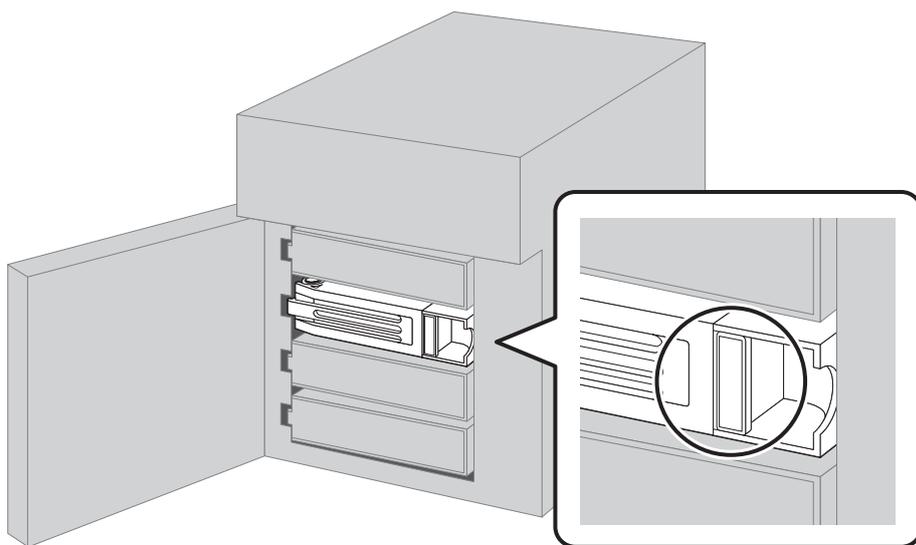
A line drawing of a printer with its front cover open, revealing a drive unit inside. A callout box on the right provides a close-up view of the drive unit's handle, which is circled to indicate the point of contact for pulling it out.
Diagram showing the drive unit being pulled out. A callout box highlights the handle on the drive unit.
4 カートリッジごとドライブを手前に引き出し、抜きます。